How do I exclude staff from customer traffic counts on the 3DScope II?
Learn how to effectively exclude staff from customer traffic counts on the 3DScope II for more accurate analytics.
Table of Contents
How do I exclude staff from customer traffic counts on the 3DScope II?
Storetraffic's 3DScope II excludes staff from traffic counts using UWB (ultra-wideband) tags: each staff member wears a tag, and the 3DScope II's UWB receiver detects it and subtracts that person from the customer count. This staff-filtering feature is exclusive to the 3D sensor line and is not available on PEARL units.

(Yes, that's an AI-generated picture, good catch!)
When to use staff filtering
Staff filtering is most useful where employee movement would otherwise distort customer counts, such as:
- High-end retail locations with low customer volume relative to staff headcount
- Locations where staff frequently cross the sensor's line of detection, such as dealerships and garden centers
- Single-entry locations where staff traffic makes up a significant share of total detections
What it improves
By removing staff from the count, the 3DScope II reports customer-only traffic, which supports more accurate conversion-rate calculations, staff scheduling based on actual customer volume, and traffic-based marketing decisions.
Full technical requirements : Learn more here
Hardware required
- A 3DScope II LC or HC unit (indoor only, mounted at a maximum height of 13 feet, with a USB slot)
- A UWB receiver and UWB tags (Storetraffic's Staff Exclusion Kit)
- A QI-certified inductive charging station (not supplied by Storetraffic; purchased separately)
Staff filtering is a hardware add-on, not a software subscription, and can be installed at individual locations rather than across an entire chain.
| 3Dscope II LC or HC |
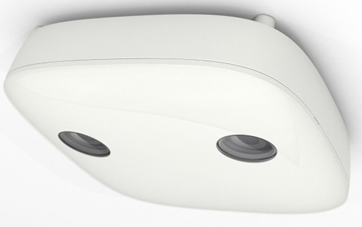 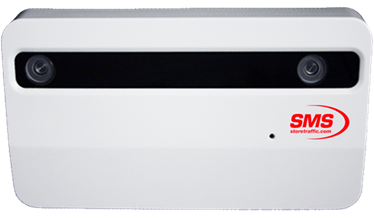 |
| UWB Receiver | 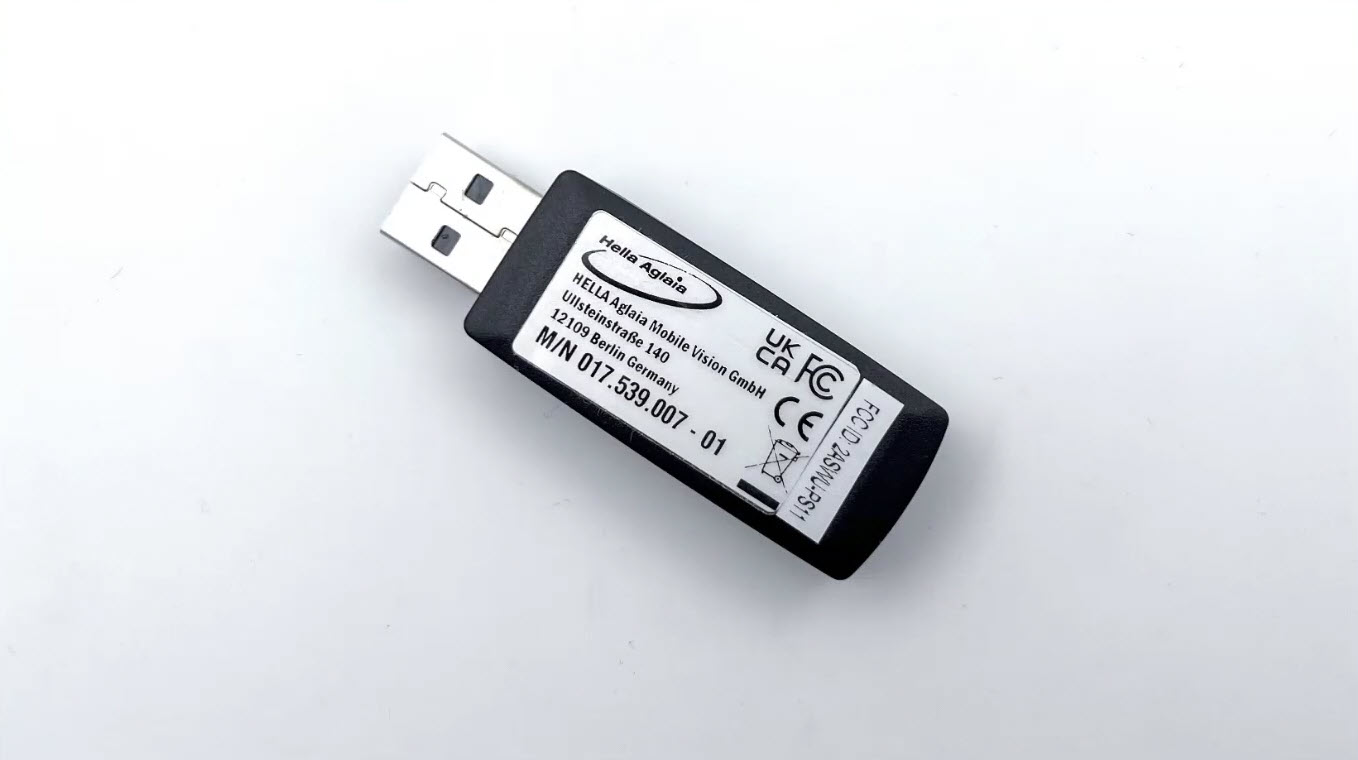 |
| UWB Tags | 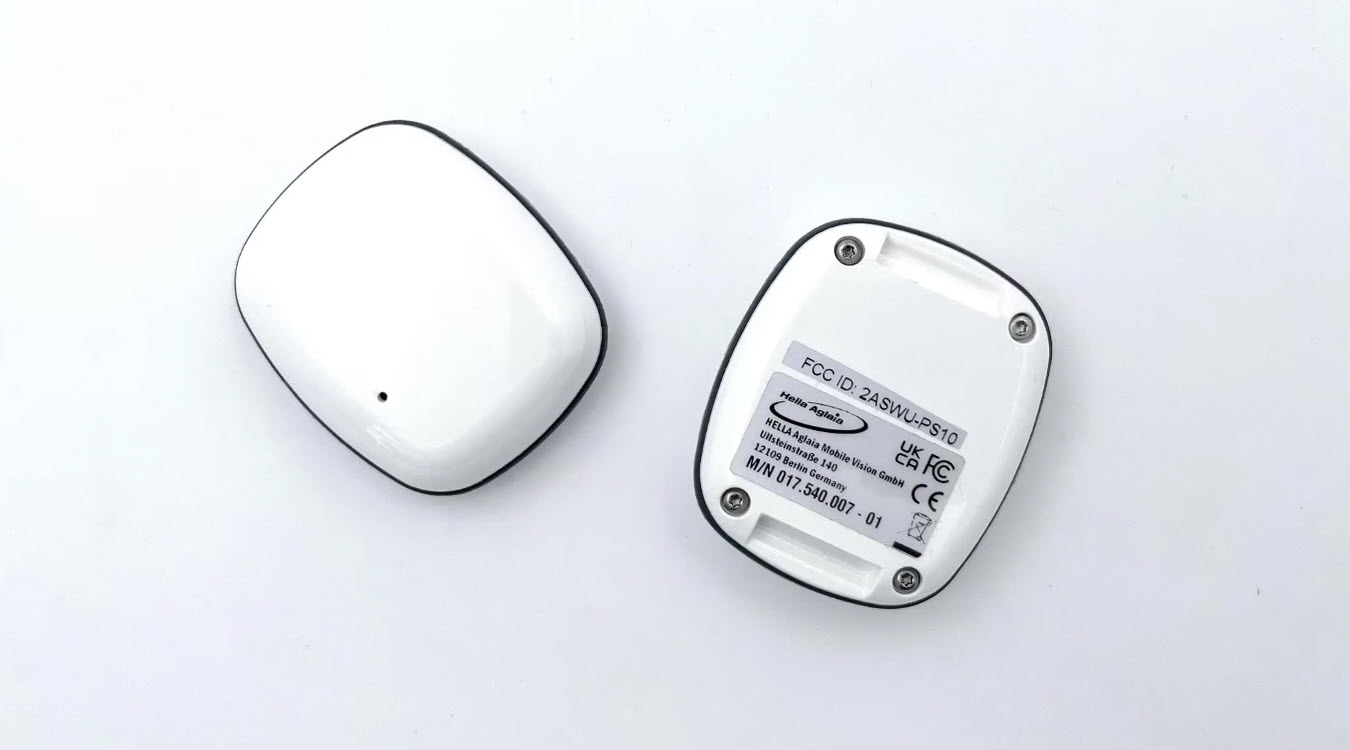 |
|
QI Certified Inductive Charging Station (example) To be purchased separately (not sold by SMS) |
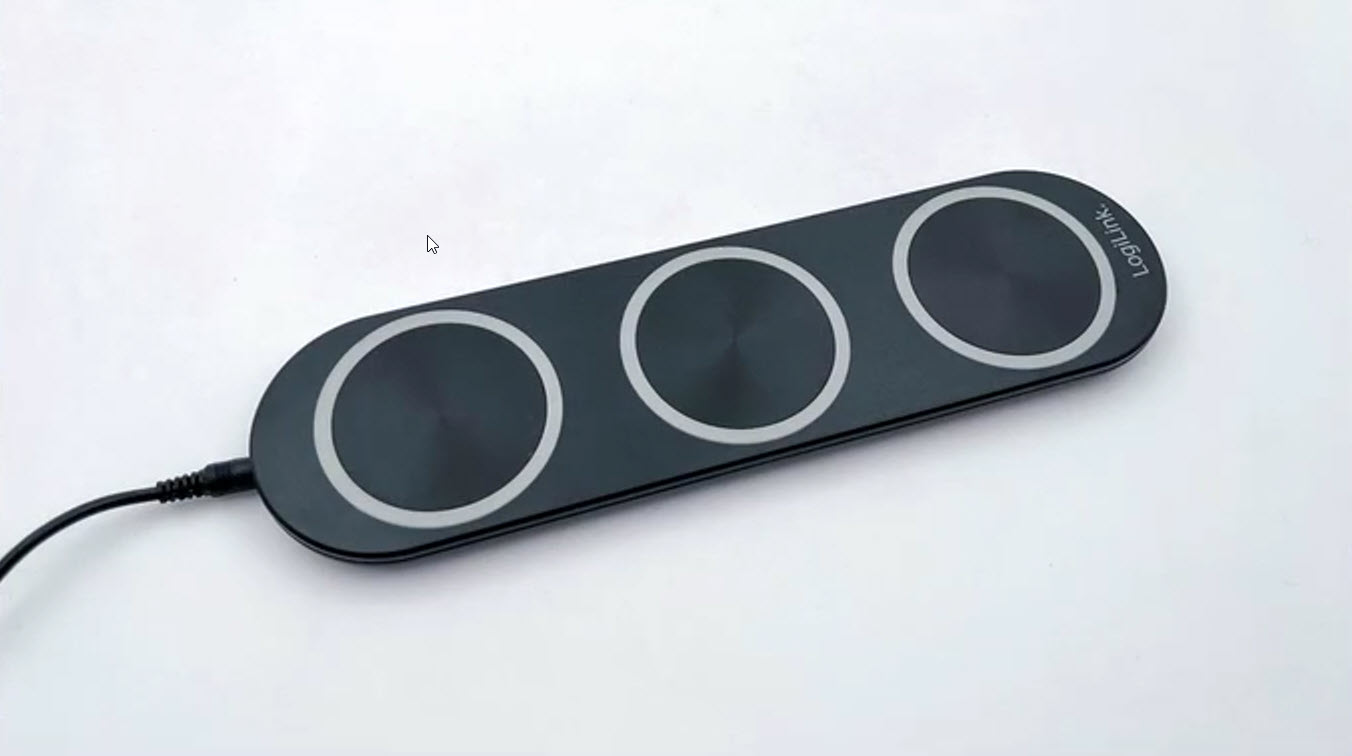 |
Using the tags
Each staff member wears a UWB tag on the front of their body; wearing it on the back increases the risk of the signal being blocked. Tags are typically handed out by opening staff and collected at closing, and should be charged every two weeks. Tags identify a person as staff, not which specific employee is wearing it, and any UWB tag works with any SMS UWB receiver across locations.
Limitations
- Works indoors only
- Not compatible with PEARL units
- Does not identify individual staff members, only staff vs. customer
Getting started
To add staff filtering to a location, contact success@storetraffic.com.
FAQ
Does staff filtering work with PEARL units?
No. Staff exclusion is not available on PEARL units.
Does staff filtering work outdoors?
No. This is an indoor-only feature.
Do I need separate tags for each store?
No. Storetraffic UWB tags work with any Storetraffic UWB receiver, so the same tags can be used across locations.
Do I need to install staff filtering in all my locations?
No. It can be installed at only some locations rather than chain-wide.
Are the tags linked to a specific employee's ID?
No. Tags identify someone as staff but can't be used to identify which individual employee is wearing them.
Is there a subscription fee for staff filtering?
No. It's a hardware-based feature with no subscription cost.
Can I use UWB tags from another manufacturer with Storetraffic's receiver?
No. Storetraffic's UWB technology is exclusive to its manufacturer, so third-party tags won't work with the receiver — except in the unusual case where the device was purchased through another authorized reseller of the same solution.
How do I get started?
Contact success@storetraffic.com to get started. For setup details, see the staff-filtering quick guide.